Compliance in Excel
Familiar, but not sustainable
Let's be honest: most organizations manage their compliance in Excel. A tidy spreadsheet with tabs for risks, controls, and improvement actions. Links to documents on the file server or in SharePoint. Maybe even some color coding to indicate status. Green means good, red means action required.
And you know what? It works. At least in the beginning.
The Excel pattern we all recognize
It always starts the same way. A colleague creates a neat spreadsheet with all the controls from the standard. Columns for responsible persons, deadlines, and evidence. The first few weeks it's kept up to date. But then...
Sound familiar? You're not alone. Over 80% of SME organizations we talk to use Excel as their primary compliance tool.
Why it still doesn't work
The problem with Excel for compliance isn't that it's a bad program. Excel is fantastic for what it is. But managing compliance is fundamentally different from putting data in rows and columns.
No proactive steering
Excel does nothing by itself. It doesn't send reminders, doesn't flag overdue actions, and doesn't provide insight into trends. You have to open the file, browse through the tabs, and draw your own conclusions. In practice, this means: you open it just before the audit and hope everything is still correct.
Compliance as a cost center
This reactive approach makes compliance feel like a burden. An annual recurring ritual that takes a lot of time and yields little. It has become a "must-do." No wonder the compliance budget is always under pressure.
Duplication is the norm
Without a central system, the same information is maintained in multiple places. Risk assessments in one file, improvement actions in another, and policy documents somewhere else. Every audit starts with searching for information. That's not efficient, that's expensive.
"But isn't a dedicated application overkill?"
We hear this often. And we understand. If compliance is already seen as a cost center, why invest in yet another tool? Excel is free (it's already in your Office package), everyone can use it, and it requires no implementation time.
But let's do the math honestly.
The hidden costs of Excel
| Activity | Estimated time per year |
|---|---|
| Manually updating spreadsheets | 40-60 hours |
| Searching for documents and evidence | 20-30 hours |
| Preparing for audits | 30-50 hours |
| Coordinating via email and meetings | 20-40 hours |
| Duplication due to version confusion | 15-25 hours |
| **Total** | **125-205 hours per year** |
At an average hourly rate, that's easily EUR 6,000 to EUR 12,000 per year in hidden compliance costs. And that doesn't even account for the risk of non-compliance due to missed deadlines or incomplete documentation.
The opposite is true
uComply costs EUR 1,950 one-time. No monthly subscription fees. No per-user licenses. One investment and you're set.
That's an investment that in most cases pays for itself within a few months. Not through vague promises, but through concrete time savings:
What you gain with uComply
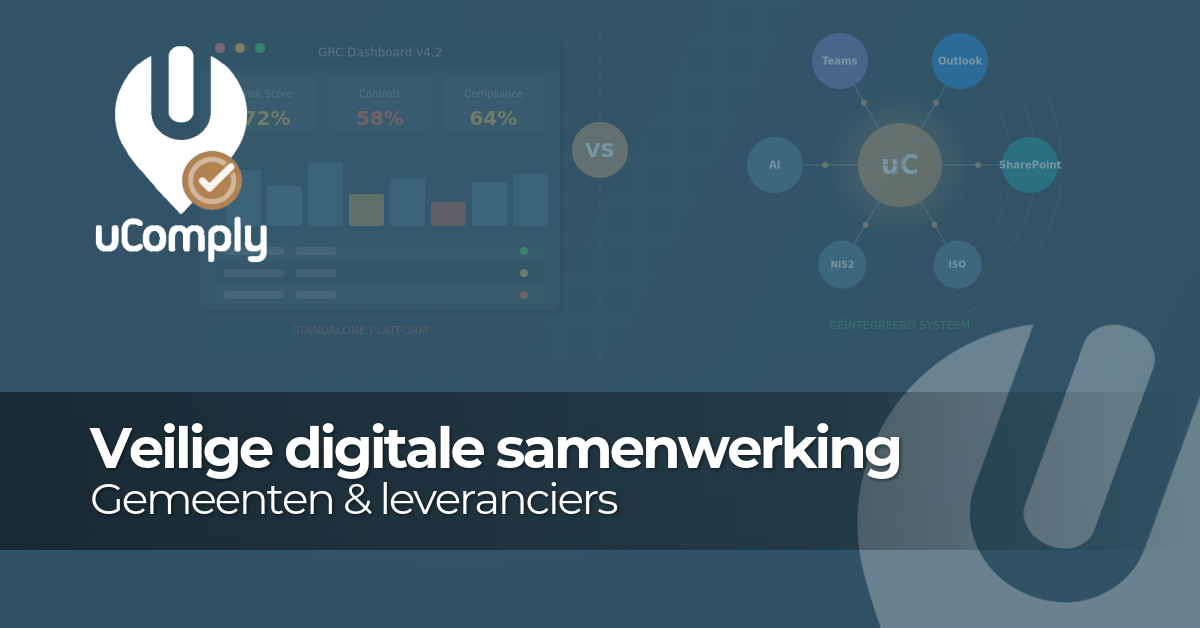
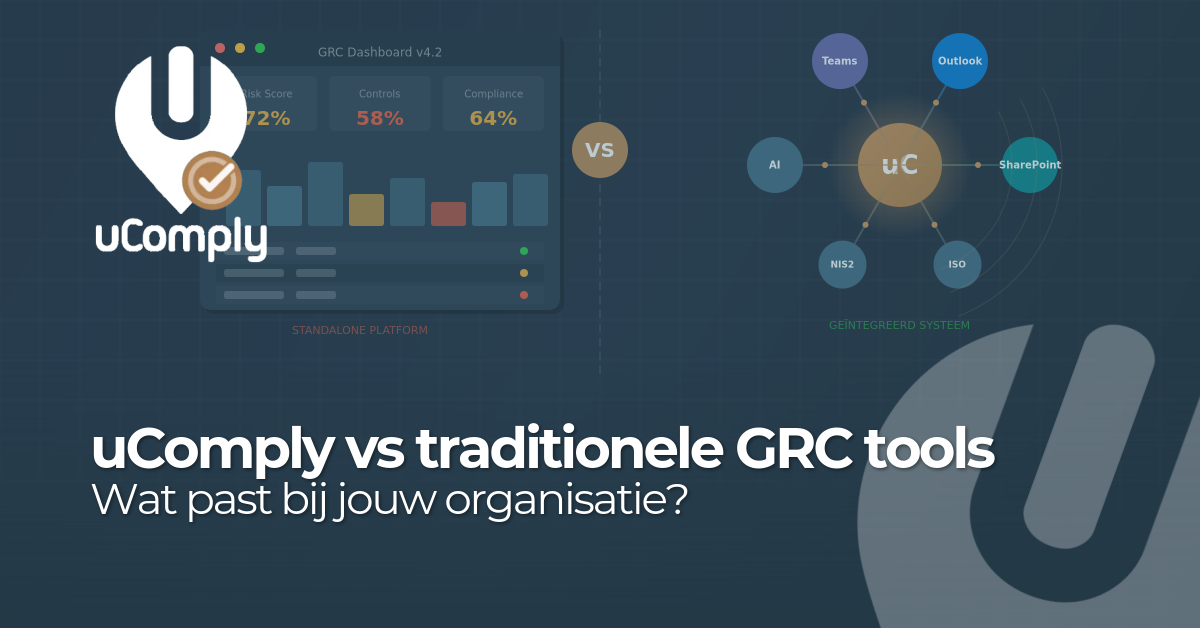
Dashboards with real-time status
No more opening Excel to check where you stand. One glance at your dashboard and you know exactly which actions are pending, which deadlines are approaching, and how your compliance score is doing.
Integration with Outlook tasks
Actions from uComply appear directly as tasks in Outlook. Colleagues don't need to open a separate system. They receive a reminder, click on the task, and complete their part. Compliance becomes part of daily work.
AI support
The built-in AI assistant helps with drafting policies, answering compliance questions, and identifying improvement areas. Work that used to take hours now takes minutes.
Ready for multiple standards
ISO 27001 today, adding NEN 7510 or NIS2 tomorrow? With uComply, you simply add a second standard. Overlapping controls are automatically recognized, so you don't have to do double work. Try doing that in Excel.
From reactive to proactive
The biggest difference between Excel and uComply isn't the functionality. It's the mindset shift it creates.
With Excel, you open the file when you have to. With uComply, compliance is a continuous process. Dashboards provide insight, tasks are automatically assigned, and AI helps you move forward. You improve a little every day, instead of updating everything in a panic once a year.
That's exactly what the standard means by "continual improvement." And it has an energizing effect on the organization. When colleagues see that compliance is manageable and organized, engagement grows. It's no longer the problem of that one person with the Excel file.
Let's be fair
We're not saying Excel is bad. For small organizations just starting with compliance, it can be a perfectly fine starting point. But once you get serious - especially when certification is the goal - you'll run into its limitations.
The question isn't whether you need a compliance tool. The question is when you'll make the switch. And with a one-time investment of EUR 1,950, that moment is actually now.
Ready to make the switch?
Schedule a demo and discover how uComply makes your compliance journey simpler, more efficient, and more enjoyable. Or start right away - you'll be operational within a day.