Implement once, use multiple times
Your organization is ISO 27001 certified. The controls are implemented, processes are running, and your management system is in order. Then comes the question "we also need to comply with BIO2".
The good news? You don't have to start over. In uComply, you can link existing controls to multiple standard requirements. This makes adding a second (or third) standard surprisingly efficient.
Why adding a second standard is often easier than you think
Many compliance standards and frameworks overlap. ISO 27001 and BIO2, for example, share many common controls in areas like access management, incident management, and risk assessment. The same applies to ISO 27001 and NEN 7510, or ISO 27001 and NIS2.
The problem with traditional compliance approaches is that each standard is treated separately. You end up with duplicate documentation, duplicate audits, and duplicate work. While a control for NEN7510 can be the same as for BIO2.
How it works in uComply
uComply is built with an integrated approach in mind. Here's how it works:
1. Controls are central
In uComply, you manage controls as central objects. A control like "Establish and implement access policy" exists once in your system, with all associated documentation, owners, and evidence.
2. Link to multiple standard requirements
That same control can be linked to multiple standard requirements. One control, multiple checkmarks. No duplication, no inconsistencies.
3. Gap analysis shows what's missing
When you add a new standard, uComply automatically shows:
This gives you immediate insight into the actual effort required.
Practical example: From ISO 27001 to BIO2
Suppose your organization is ISO 27001 certified and now needs to comply with BIO2 (for example, because you supply to government organizations).
Traditional approach:
With uComply:
The benefits at a glance
Time savings
No more duplicate work. What you've already implemented doesn't need to be redone.
Consistency
One control, one truth. No risk of inconsistencies between different standard registrations.
Overview
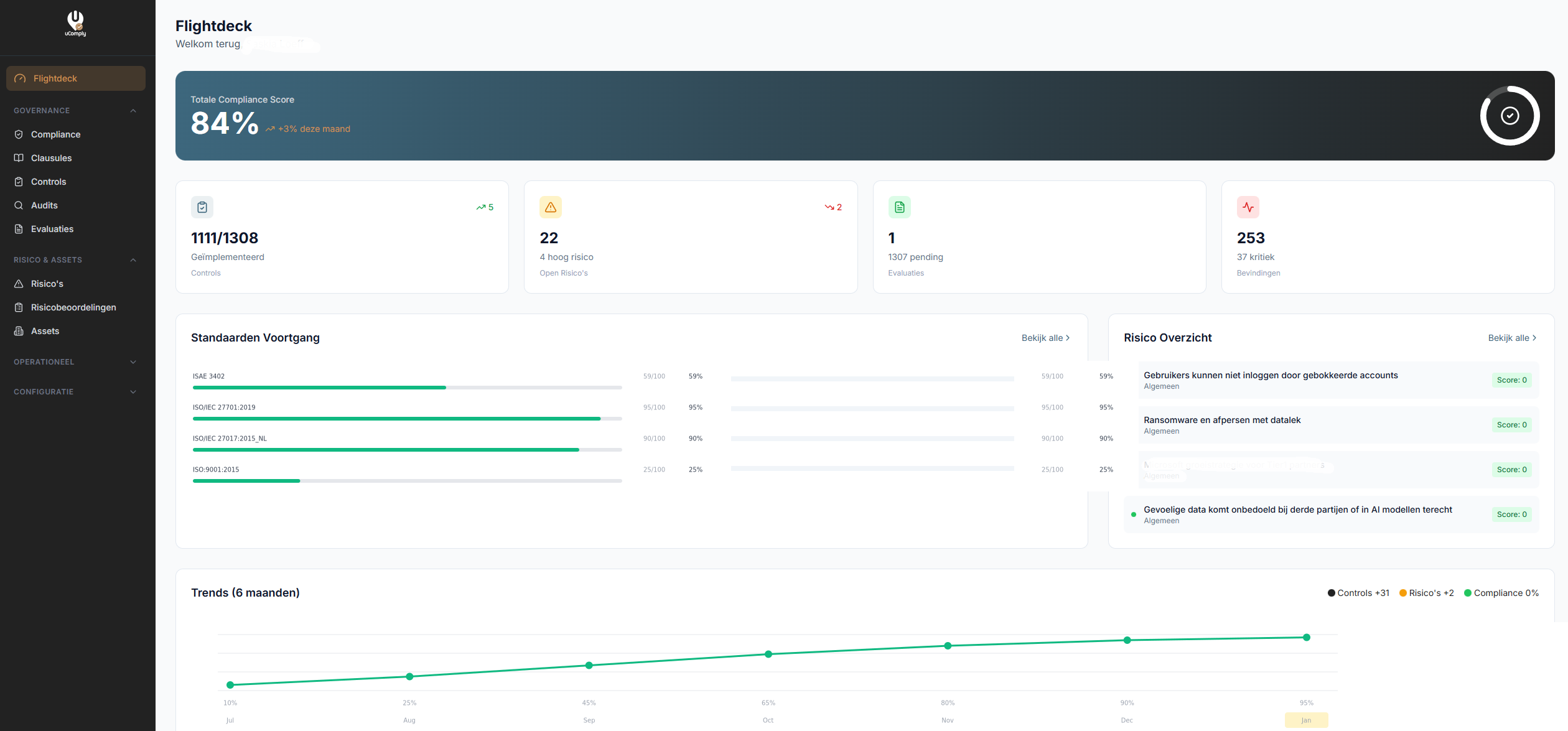
In one dashboard, you can see your status for all standards at once.
Efficient audits
Auditors can assess multiple standards in one session because all information is connected.
Scalability
Whether you manage two or five standards, the principle remains the same.
Which combinations do we often see?
In practice, we regularly see these combinations:
Getting started
Already have a standard implemented in uComply and want to add a second? The process is simple:
Our consultants can guide you through this process and ensure you optimally benefit from the overlap between standards.
Conclusion
Adding a second standard doesn't have to be a major undertaking. With the right tooling and approach, you build on what you already have. uComply makes this possible by centrally managing controls and linking them to multiple standard requirements.
The result: less work, more consistency, and a complete overview of your compliance status across all standards.
Schedule a demo and discover how easy it is to add a second standard to your existing management system.